Monitoring DALI network traffic
The DALI Network Log page at the bottom of SB displays DALI network messages in real time.
Monitor DALI network:
-
In System view, right-click the controller and select Network Actions >
 Monitor DALI Network >.
-
Line/Universe (x) >
-
Start Monitoring
or -
Stop Monitoring
-
-
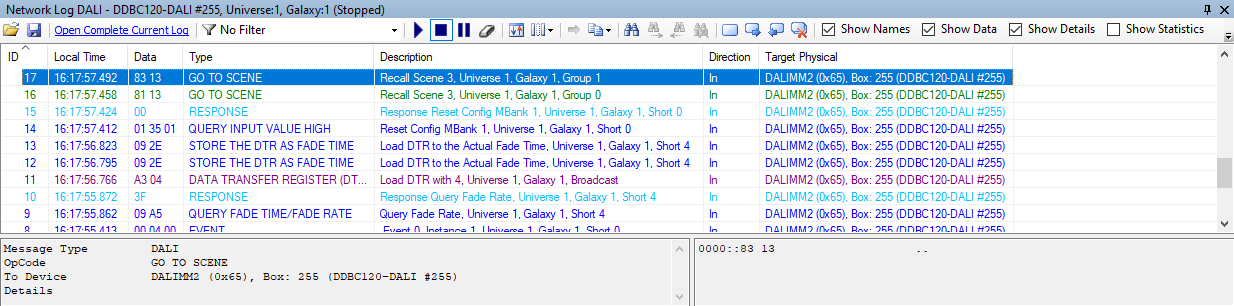
For more information, see Quick Start Guide > Monitor Window > DALI Network Log.